Components
Image
Reusable image component with LQIP support, fallback states, and skeleton loading
Hey there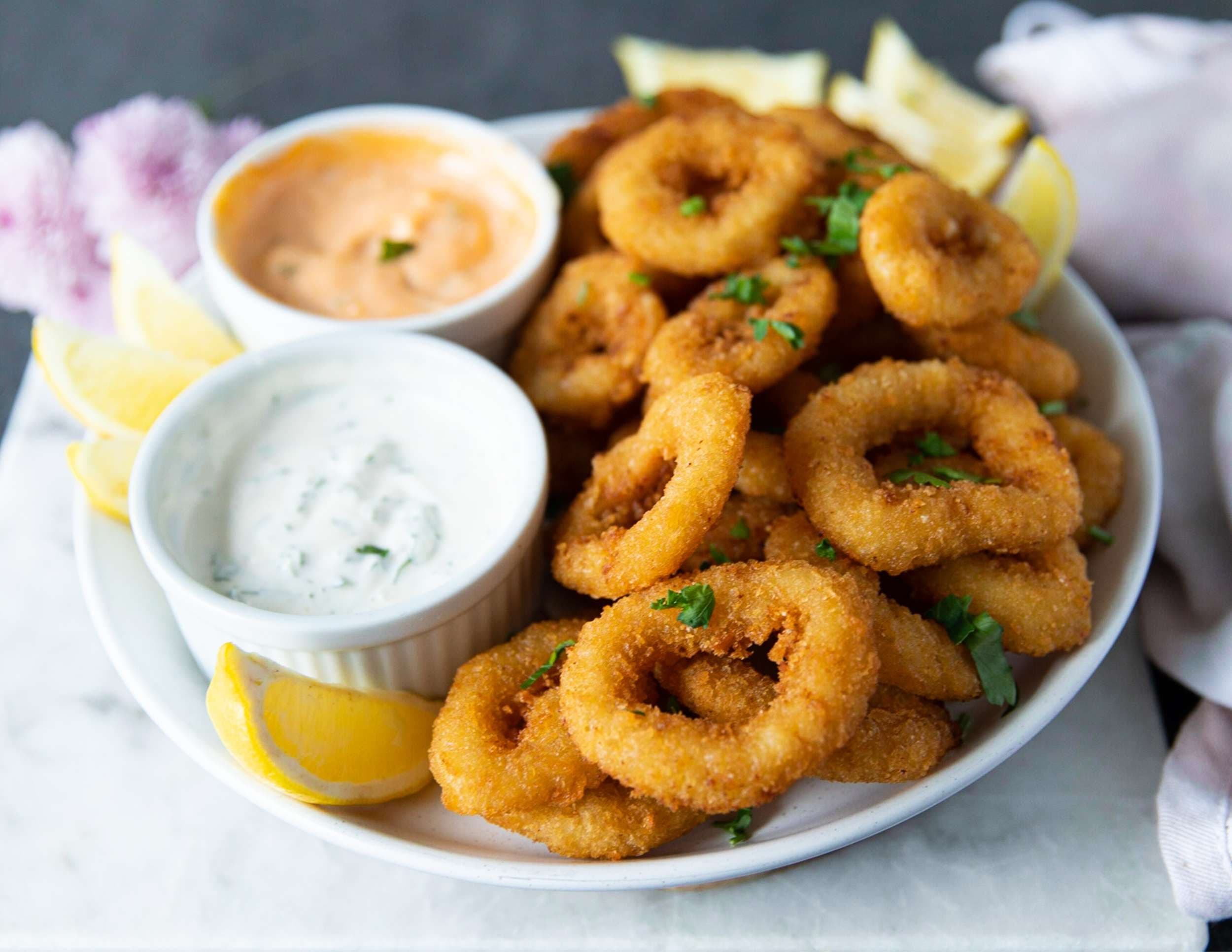

A powerful image component that extends Next.js Image with built-in loading states, error fallbacks, and Low Quality Image Placeholder (LQIP) support.
Features
- LQIP Support — Built-in blur-up loading effect with
blurDataURL - Fallback States — Automatic error handling with
ImageOfficon - Skeleton Loading — Smooth loading animation while image fetches
- Type Safe — Full TypeScript support with Next.js Image props
Installation
npx shadcn@latest add https://ui.quickprimetech.com/r/image.json
"use client";
import NextImage from "next/image";
import { ComponentProps, useState } from "react";
import { ImageOff, LucideProps } from "lucide-react";
import { cn } from "@/lib/utils";
import { Skeleton } from "./skeleton";

type ImageWithFallbackProps = Omit<
React.ComponentProps<typeof NextImage>,
"src"

> & {
> src: string | null;
> iconProps?: Partial<LucideProps>;
> textProps?: ComponentProps<"span">;
> };

export function Image({
src,
alt,
iconProps,
textProps,
...props
}: ImageWithFallbackProps) {
const [imageError, setImageError] = useState(false);
const [isLoading, setIsLoading] = useState(true);

// Show fallback if src is null or empty, or if image fails to load
const showFallback = !src || imageError;

if (showFallback) {
return (

<div className="w-full h-full bg-muted flex flex-col items-center justify-center text-muted-foreground">
<ImageOff
className={cn("size-8 mb-2 opacity-50", iconProps?.className)}
{...iconProps}
/>
<span
className={cn("text-sm font-medium", textProps?.className)}
{...textProps} >
{!src ? "No Image" : "Failed to load"}
</span>
</div>
);
}

return (

<div className="relative w-full h-full">
{/* Show skeleton while loading if no LQIP */}
{isLoading && !props.blurDataURL && (
<Skeleton className="absolute inset-0 size-full" />
)}

  <NextImage
    src={src as string}
    alt={alt || "Image"}
    {...props}
    onLoad={() => setIsLoading(false)}
    onError={() => setImageError(true)}
    className={cn(
      "transition-opacity duration-300",
      isLoading ? "opacity-0" : "opacity-100",
      props.className,
    )}
  />
</div>

);
}
Examples
Image with LQIP
A base64 blur placeholder is shown instantly while the full image loads, then fades out.
<div className="relative w-48 aspect-video">
  <Image
    src="https://res.cloudinary.com/quick-prime-tech/image/upload/v1765984117/ziwa-restaurant/eldoret/menu-items/hmpmvym4weszxx0ohh4e.jpg"
    alt="Food dish"
    blurDataURL="data:image/jpeg;base64,..."
    placeholder="blur"
    fill
    className="object-cover rounded-md"
  />
</div>
Skeleton loading
When no blurDataURL is provided, an animated skeleton shimmer is shown while the image fetches.
<div className="relative w-48 aspect-video">
  <Image
    src="https://res.cloudinary.com/quick-prime-tech/image/upload/v1765984117/ziwa-restaurant/eldoret/menu-items/hmpmvym4weszxx0ohh4e.jpg"
    alt="Food dish"
    fill
    className="object-cover rounded-md"
  />
</div>
Null source
Passing null as src immediately renders the "No Image" fallback — no network request is made.
No Image
<div className="relative w-48 aspect-video">
  <Image src={null} alt="placeholder" fill />
</div>
Broken source
If the image URL fails to load, the component catches the error and renders the "Failed to load" fallback.
<div className="relative w-48 aspect-video">
  <Image src="https://broken.invalid/image.jpg" alt="broken image" fill />
</div>
Custom fallback
Use iconProps and textProps to restyle or replace the fallback content.
Unavailable
<div className="relative w-48 aspect-video">
  <Image
    src={null}
    alt="custom fallback"
    fill
    iconProps={{ className: "size-6 text-rose-400" }}
    textProps={{
      className: "text-lg text-rose-400",
      children: "Unavailable",
    }}
  />
</div>
API Reference
| Prop | Type | Default | Description |
|---|---|---|---|
src | string | null | — | Required. Image URL. Pass null to show the "No Image" fallback immediately. |
alt | string | "Image" | Alt text forwarded to the underlying next/image element. |
blurDataURL | string | — | Base64-encoded LQIP string. When provided, activates blur-up — the skeleton is not rendered. |
placeholder | "blur" | "empty" | "empty" | Pass "blur" alongside blurDataURL to enable the native Next.js blur transition. |
iconProps | Partial<LucideProps> | — | Forwarded to the ImageOff icon in fallback states. Override size, color, strokeWidth, etc. |
textProps | ComponentProps<"span"> | — | Forwarded to the fallback label. Override the message via children or restyle with className. |
...props | NextImageProps | — | All other next/image props — fill, width, height, sizes, priority, className, etc. |